

Sign in to Jabali Studio
You sign in to Jabali Studio with the same Google or Discord account you use for Jabali. After you sign in, Studio syncs the games you created on Jabali Web or in Studio.
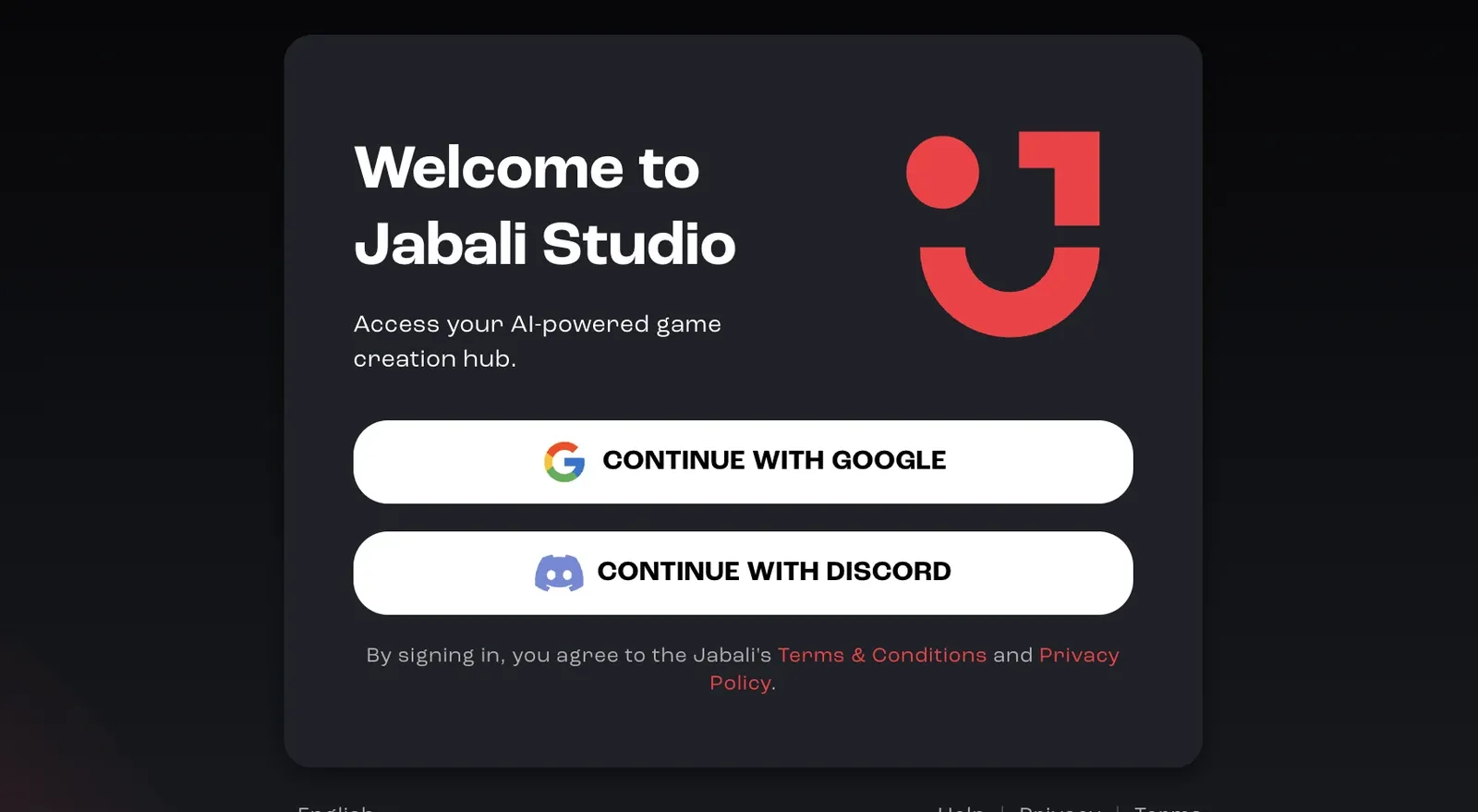
How to sign in
Section titled “How to sign in”- Launch Jabali Studio.
- Click Continue with Google to use your Google account, or Continue with Discord to use Discord.
- A browser window opens for authentication.
- Approve the login request in your browser.
- Return to Studio. Your games sync automatically.
If sign-in fails
Section titled “If sign-in fails”- Make sure you’re on the latest version of Studio. Recent versions fix an issue that could stop some Windows users from signing in. See Update Jabali Studio.
- Restart Jabali Studio and try again.
- If you use Discord, make sure you’re logged in to the right Discord account in your default browser. If sign-in still fails, log out of Discord in your browser, log back in, then try again.
- Some VPNs and browser privacy settings block the login window. Try disabling them temporarily.
More fixes are in Troubleshooting.