

Jabali Studio overview
Create, edit, playtest and publish AI-generated games from your desktop.
Jabali Studio is the main workspace for building games with Jabali. Start with a prompt, choose a template, or vibe-code a game from scratch with Bali, your AI game creation assistant. Whether you are making a 2D arcade game, an interactive story, a character simulation, a 3D web game or a more advanced Godot project, Jabali Studio gives you the tools to create and iterate in one place.
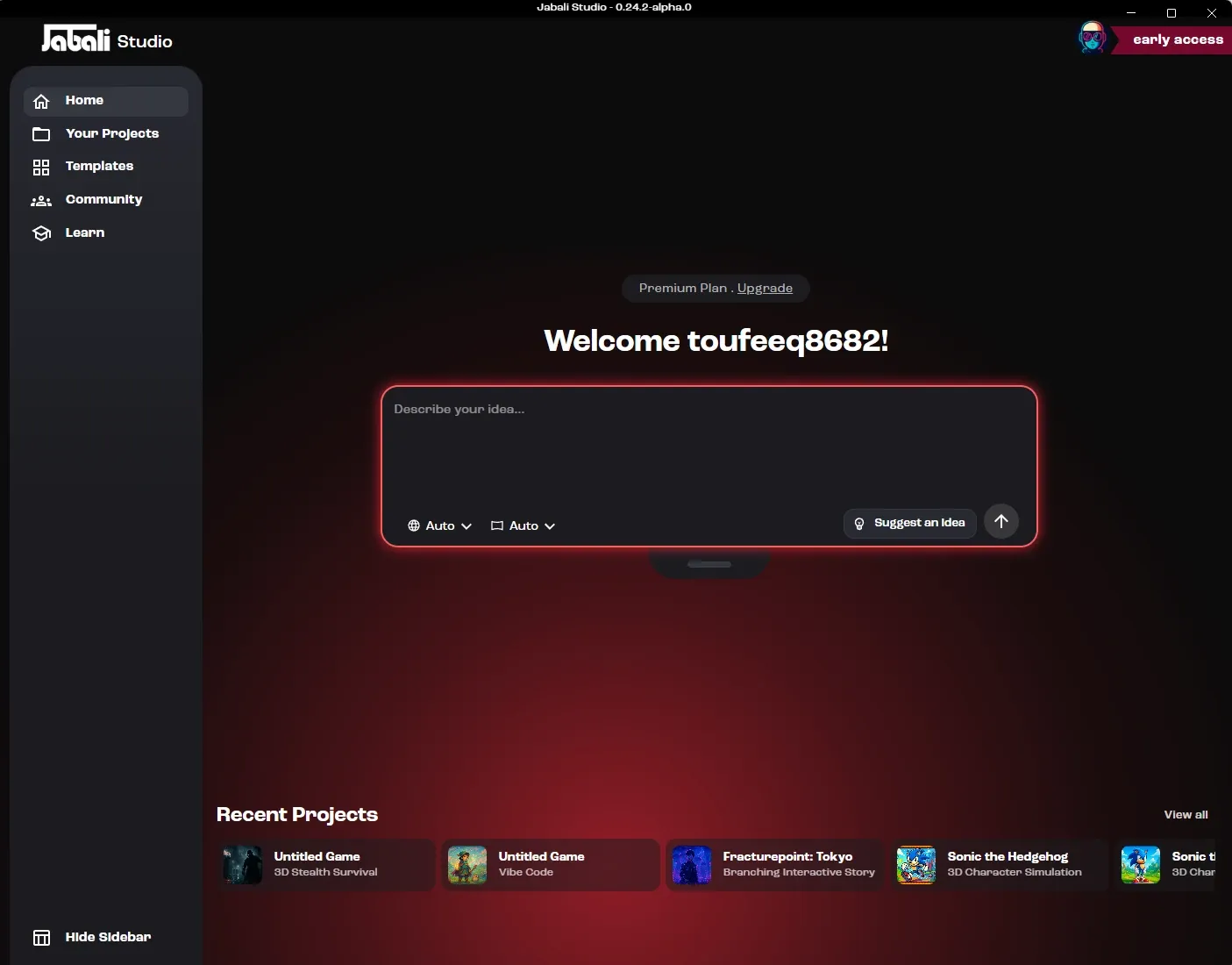
What you can do with Jabali Studio
Section titled “What you can do with Jabali Studio”With Jabali Studio, you can:
- Create new games from prompts, your own design documents or popular game templates
- Build 2D or 3D games with the Godot game engine
- Build web games with Phaser, Three.js, React Three Fiber, Babylon.js or PlayCanvas
- Edit scenes, characters, scripts, layouts and assets
- Ask Bali questions about your game
- Generate images, video, music, sound effects, speech and 3D characters with Bali
- Upload your own artwork, audio, video, fonts and 3D models
- Preview and playtest directly in Studio, including on simulated phones and tablets
- Publish your game to Jabali so anyone can play it
- Open games you made on Jabali Web or FriendJam and keep building them
Meet Bali
Section titled “Meet Bali”Bali is the AI Producer agent built into Jabali Studio. You can use Bali to:
- Turn your prompt into a playable game
- Suggest templates and game structures
- Generate, edit and regenerate content such as images, backgrounds, textures, audio, video and 3D models
- Modify assets, layouts and scripts
- Explain code and game logic
- Help debug issues
- Suggest improvements to pacing, mechanics and story
You choose the AI model Bali uses and how independently it works, and you can extend it with Agent Skills, MCP servers and the Shell tool.
Instead of switching between multiple tools, Jabali Studio and Bali give you one place for everything your game needs. Learn more in Using Bali.
Where to go next
Section titled “Where to go next”- New to Jabali? Follow the Beginner path. It takes you from installing Studio to a published game you’ve changed and extended.
- Already made a game? The Advanced path covers design, web and 3D projects, working in the code and extending Bali.
- Just want the vocabulary? Read Key concepts.
See What’s new for the latest features.